
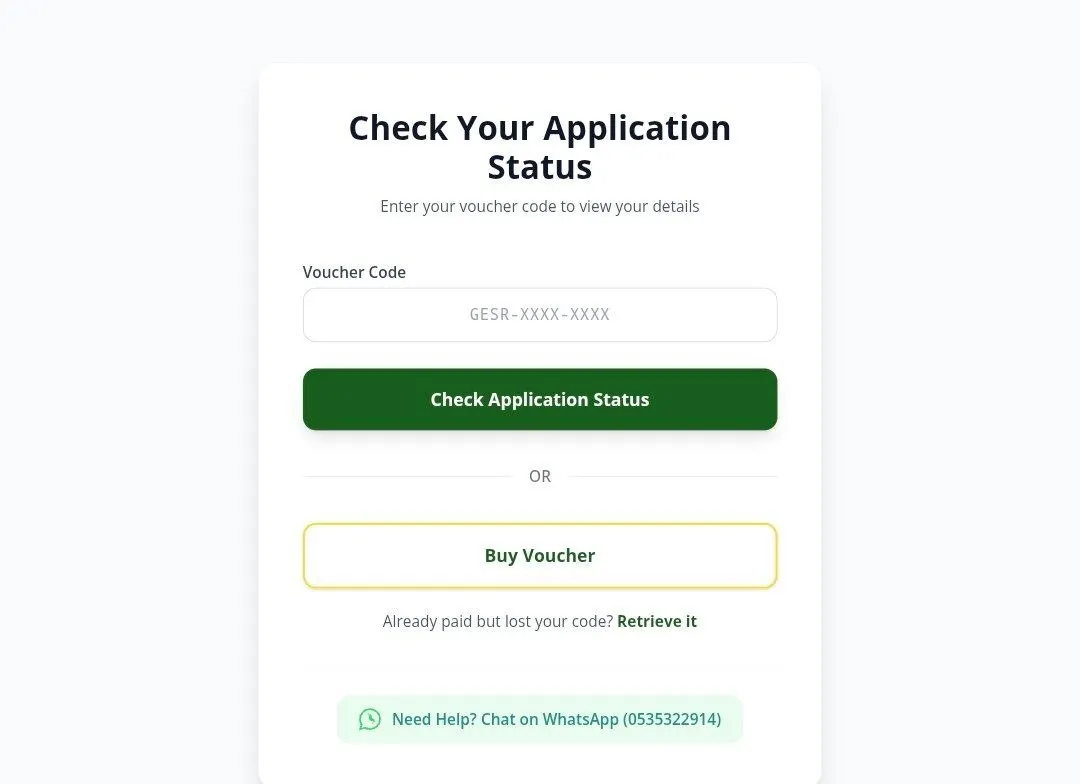
The Ghana Education Service (GES) has outlined the steps applicants should follow to access their 2026 teacher recruitment results through the official recruitment portal.
Steps to check your recruitment results
Applicants can view the outcome of their applications by following these instructions:
- Visit the official GES recruitment portal at gesrecruitment.gedp.tech and click on the Result button.
- Log in using your Ghana Card Number and Application ID.
- Select Buy Voucher and wait for the system to display the next prompt.
- Enter the required personal and application details.
- Complete the payment process.
- Enter the voucher code issued after payment in the designated field.
- Click Login to access and view your recruitment status.
How to recover a missing or lost voucher
GES has also introduced a Retrieve Voucher feature for applicants who completed payment but did not receive their voucher or accidentally exited the confirmation page before saving it.
To recover your voucher:
- Return to the official recruitment portal at gesrecruitment.gedp.tech.
- Proceed with the normal login process or refresh the recruitment portal.
- Click on the Retrieve Voucher option.
- The system will generate and display the voucher that was previously purchased, allowing you to continue checking your recruitment result.