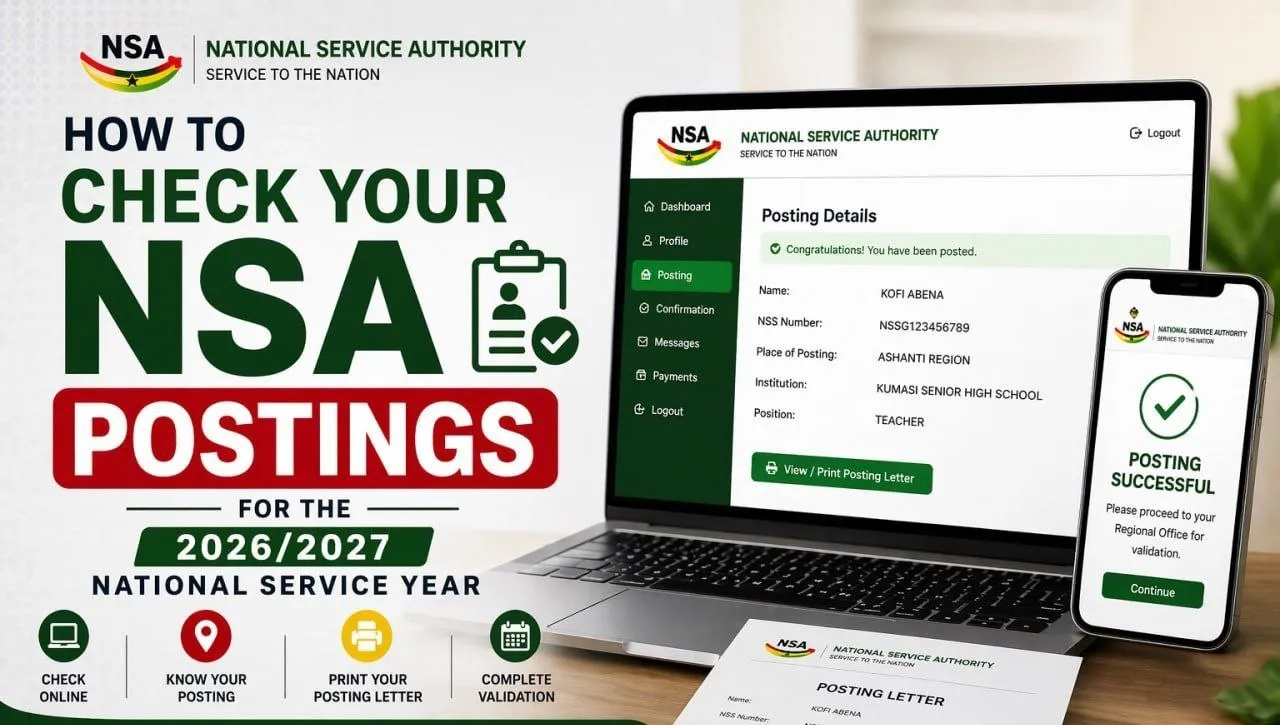
Here’s a straightforward guide to help you check your posting details:
Step 1: Visit the Official NSA Website
Go to the official NSA website: https://gnsa.gov.gh
Step 2: Access the Portal
On the homepage, find and click on the Portal section. This will take you to the login page for service personnel.
Step 3: Log in to Your Account
Enter your login details, which typically include:
After entering the required information, click Login to proceed to your dashboard.
Step 4: View Your Posting Details
Once logged in:
Step 5: Download and Print Your Posting Letter
After your posting appears:
Step 6: Complete Regional Validation
After confirming your placement, you are required to complete regional validation in your assigned location within the following timeline:
-
Validation Begins: April 22, 2026
-
Validation Ends: May 15, 2026
Reminder
In line with the National Service Authority Act, 2024, all graduates from accredited tertiary institutions in Ghana must undertake national service.
Prospective personnel are encouraged to check their postings early and complete the validation process within the specified period to avoid any delays in starting their service.